Citrix XenDesktop 7.x – Black or Blank or Blue Screen when connecting to Published Desktop

Citrix XenDesktop 7.x – Black or Blank or Blue Screen when connecting to Published Desktop

Citrix XenDesktop 7.x – Black Screen when connecting to Published Desktop

When connecting to a Windows Server 2008 R2 Published Desktop (provisioned as a VM, not a physical machine) with XenDesktop 7.x you might receive a black and blank Desktop, no Desktop Icons are shown, and the Desktop stays that way:
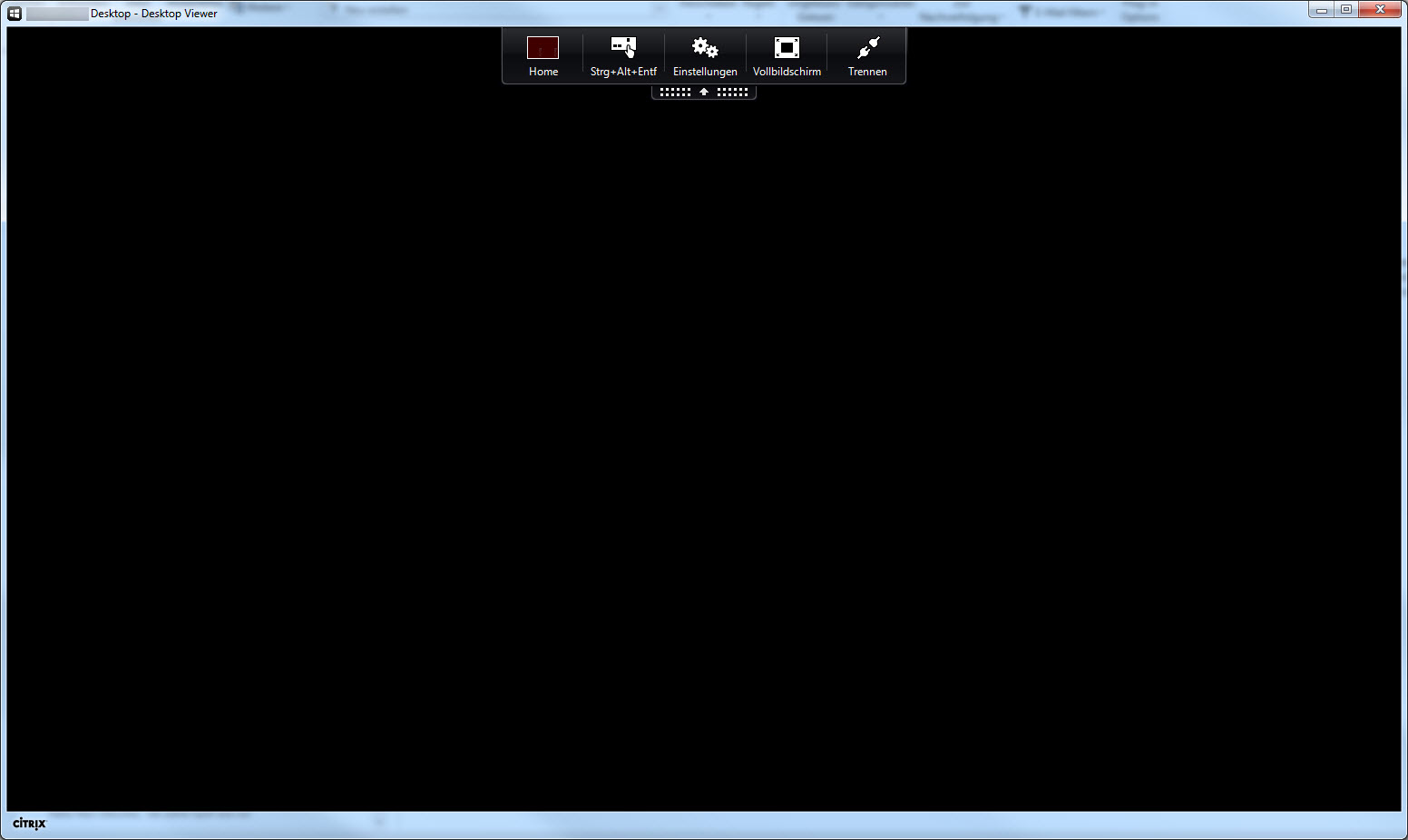
black_screen_1

Whereas connecting with RDP works normally, as long as the users are members of the local group Direct Access Users.

There are no significant Warnings and/or Error messages in the corresponding server’s Application and/or System Event Log. Everything seems to look and work as expected. In my case the error started showing up after moving the VM from one Hyper-V server to another Hyper-V server.

Read more

Citrix ShareFile – SAML Authentication Error after upgrading to NetScaler v11 and Unified Gateway – http/1.1 Service Unavailable

Citrix ShareFile – SAML Authentication Error after upgrading to NetScaler v11 and Unified Gateway – http/1.1 Service Unavailable

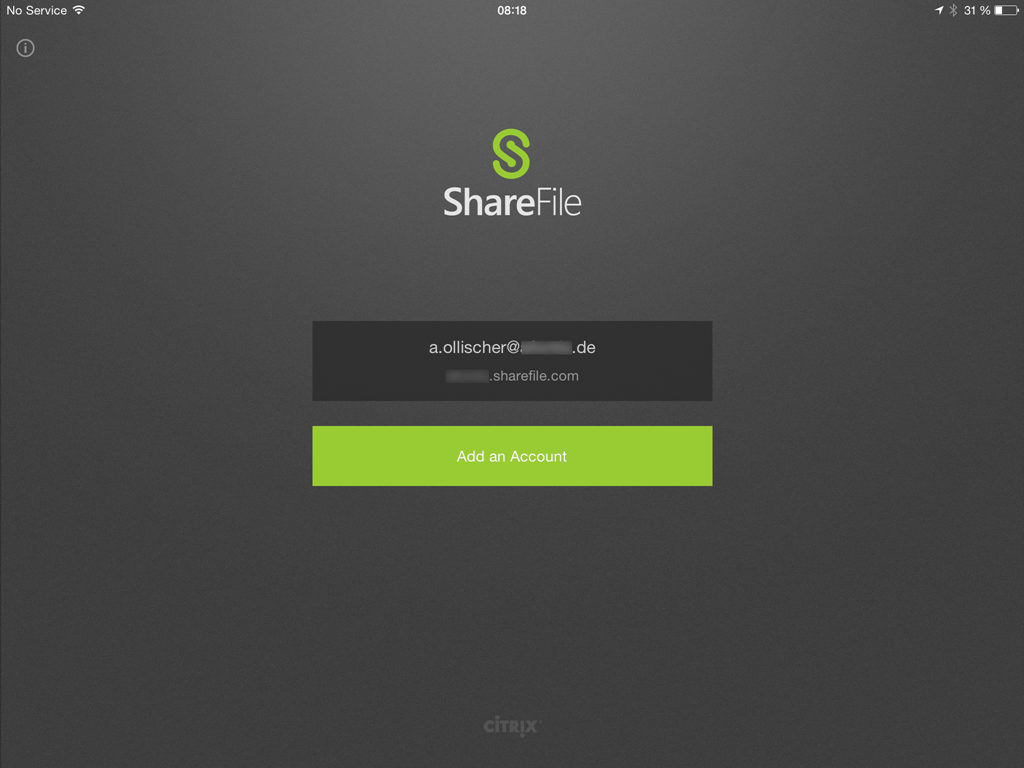
After upgrading my existing and fully functional NetScaler v10.5 Build 57.7 to the latest v11.0 Build 55.23 and implementing Unified Gateway for XenMobile and XenDesktop, my users were unable to SAML authenticate with ShareFile, i.e.

  • by using their MDX wrapped ShareFile app on iOS devices and locking it into an endless authentication loop without any errors:

Photo_20150714_081802

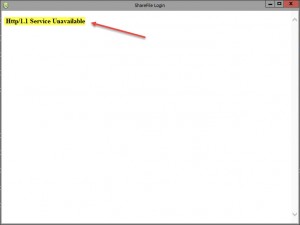
  • by using their ShareFile Outlook Plugin in order to send Download and/or Upload links as they received an error stating Authentication Error – http/1.1 Service Unavailable while trying to utilize the Browser Login included with the ShareFile Outlook Plugin Configuration Wizard:

sharefile_saml_6

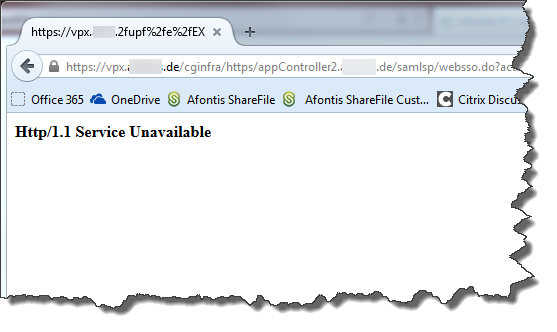
  • by authenticating to our company’s custom ShareFile SAML Login page via Browser:

sharefile_saml_11

Read more

StoreFront v3.0 and new Unified Receiver Experience – First Impressions (Part 3)

StoreFront v3.0 and new Unified Receiver Experience – First Impressions (Part 3)

StoreFront v3.0 and new Unified Receiver Experience – First Impressions (Part 3)

I was mostly interested in the new customization options and how to switch from the previous Green Bubble UI (a.k.a. the Classic Receiver Experience) to the new Unified Receiver Experience. So I’d like to start a little blog series about my first steps with StoreFront v3.0, covering:

  1. Upgrading to StoreFront v3.0 and enabling the new Unified Receiver Experience
  2. Customizing the Receiver for Web Unified Experience
  3. Evaluating the Google Chrome Support

Read more

StoreFront v3.0 and new Unified Receiver Experience – First Impressions (Part 2)

StoreFront v3.0 and new Unified Receiver Experience – First Impressions (Part 2)

StoreFront v3.0 and new Unified Receiver Experience with Citrix Receiver for Windows v4.3 (Part 2)

I was mostly interested in the new customization options and how to switch from the previous Green Bubble UI (a.k.a. the Classic Receiver Experience) to the new Unified Receiver Experience. So I’d like to start a little blog series about my first steps with StoreFront v3.0, covering:

  1. Upgrading to StoreFront v3.0 and enabling the new Unified Receiver Experience
  2. Customizing the Receiver for Web Unified Experience
  3. Evaluating the Google Chrome Support

Read more

StoreFront v3.0 and new Unified Receiver Experience – First Impressions (Part 1)

StoreFront v3.0 and new Unified Receiver Experience – First Impressions (Part 1)

StoreFront v3.0 and new Unified Receiver Experience with Citrix Receiver for Windows v4.3 (Part 1)

I was mostly interested in the new customization options and how to switch from the previous Green Bubble UI (a.k.a. the Classic Receiver Experience) to the new Unified Receiver Experience. So I’d like to start a little blog series about my first steps with StoreFront v3.0, covering:

  1. Upgrading to StoreFront v3.0 and enabling the new Unified Receiver Experience
  2. Customizing the Receiver for Web Unified Experience
  3. Evaluating the Google Chrome Support

Read more

WorxHome – Error – Please check your credentials. You may have mistyped them

WorxHome – Error – Please check your credentials. You may have mistyped them

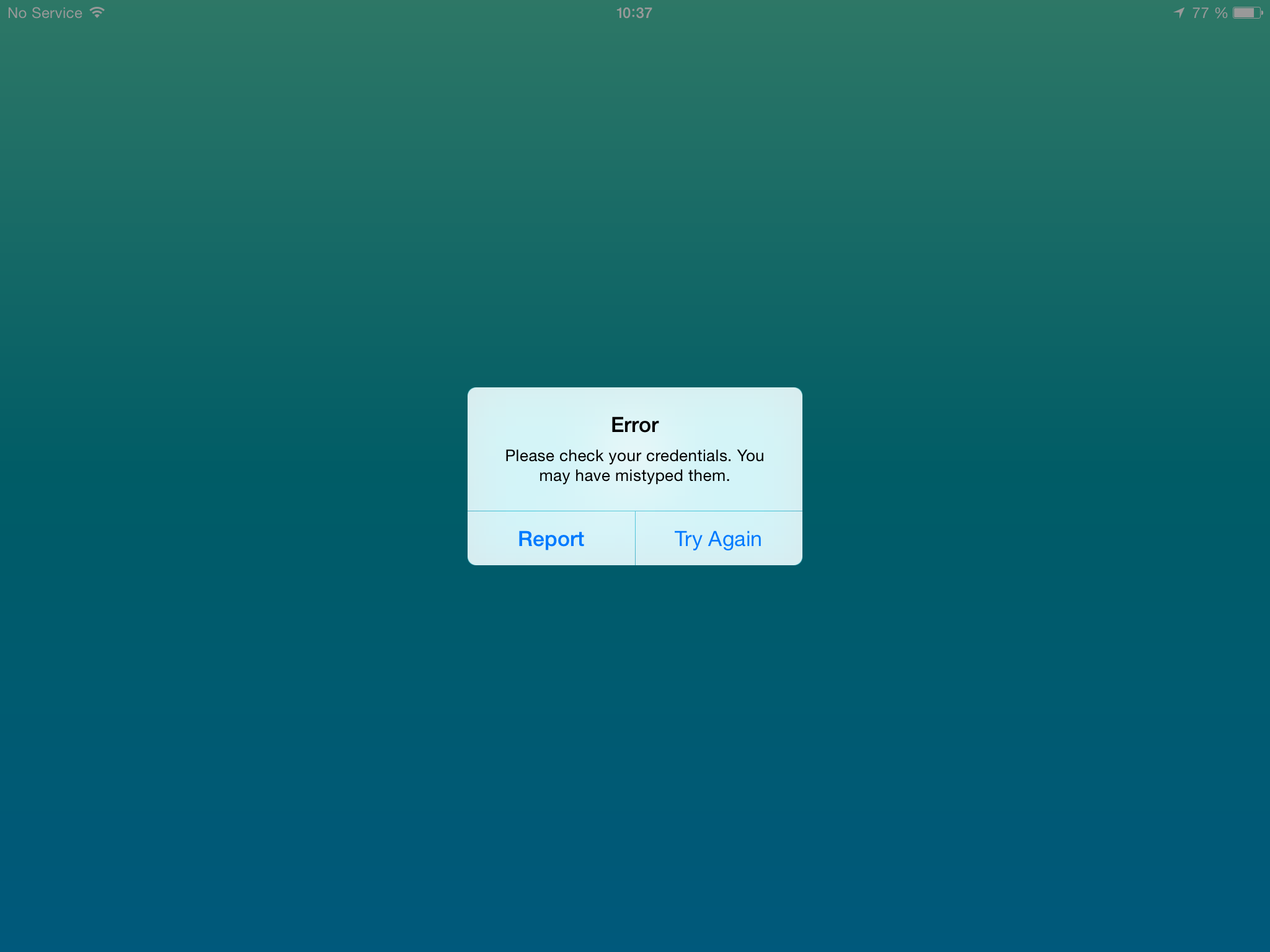
While launching WorxHome on your iOS device and after entering your logon credentials you might receive the following error: Error – Please check your credentials. You may have mistyped them, though you made sure there’s no typo whatsoever, i.e. samAccountName or userPrincipalName, and your password have been entered correctly:

WorxHome_Mistyped

Read more