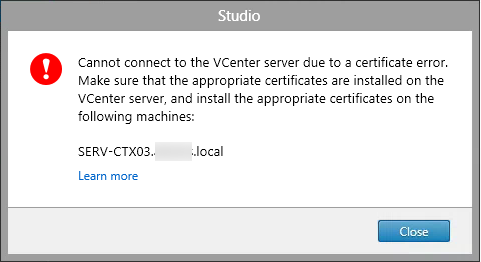
When trying to connect to a XenDesktop 7.x published resource, e.g. an puplished application or published desktop, you may receive the following error: Unable to launch as the application is not currently available:
Helping making IT safer for everyone

When trying to connect to a XenDesktop 7.x published resource, e.g. an puplished application or published desktop, you may receive the following error: Unable to launch as the application is not currently available:
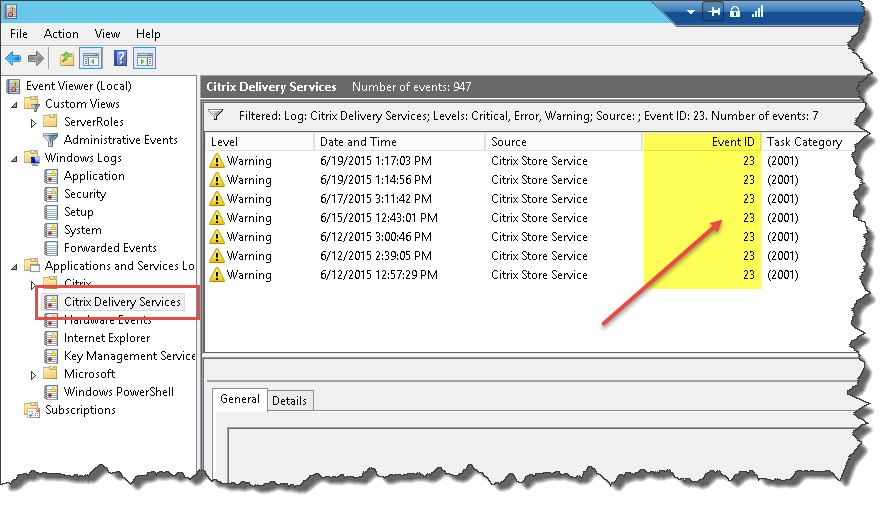
When trying to connect to a XenDesktop 7.6 and StoreFront 2.6 based environment from internal computers through NetScaler you could receive the following error in your StoreFront server’s Citrix Delivery Services Event Log, Source: Citrix Store Service, Event ID: 23: Gateway data from the request and the authentication token are not matching. Request was made to store ‘Store Service’:
When trying to connect to a XenDesktop 7.x and StoreFront 2.x based environment through NetScaler from an external Windows computer you could receive the following error upon finishing the Citrix Receiver initial wizard: Select an account to continue:
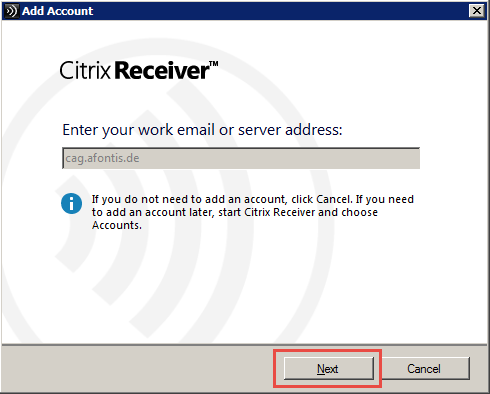
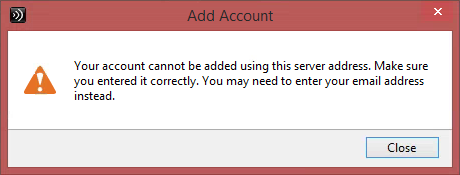
When trying to connect to a XenDesktop 7.x and StoreFront 2.x based environment through NetScaler from an external Windows computer you could receive the following error upon finishing the Citrix Receiver initial wizard: Your account cannot be added using this server address:

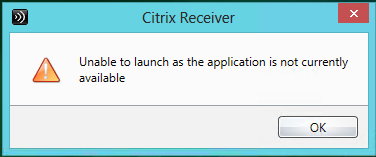
When trying to configure a VMware vCenter based hypervisor connection within Citrix Studio in order to gain access to its resources, i.e. attached storage, et al, and utilize either PVS and/or MCS for VM management, you might receive the following error in case a self-signed certificate is in place on the vCenter server:
“Cannot connect to the vCenter server due to a certificate error. Make sure that the appropiate certificates are installed on the vCenter server, and install the appropiate certificates on the following machines: <FQDN XD Controller>”